Set an assignment in a line
- Your staff
- The educator writes a short brief and picks the class.
- Kwilo
- Kwilo drafts questions from the uploaded syllabus.
- Who decides
- The educator edits, removes or adds questions before publishing.
Kwilo Intelligence reads the syllabus, notes and question papers your institution uploads, and drafts from them. Kwilo also proctors online attempts and suggests marks. The educator reviews and signs off.
Request a demoKwilo Intelligence
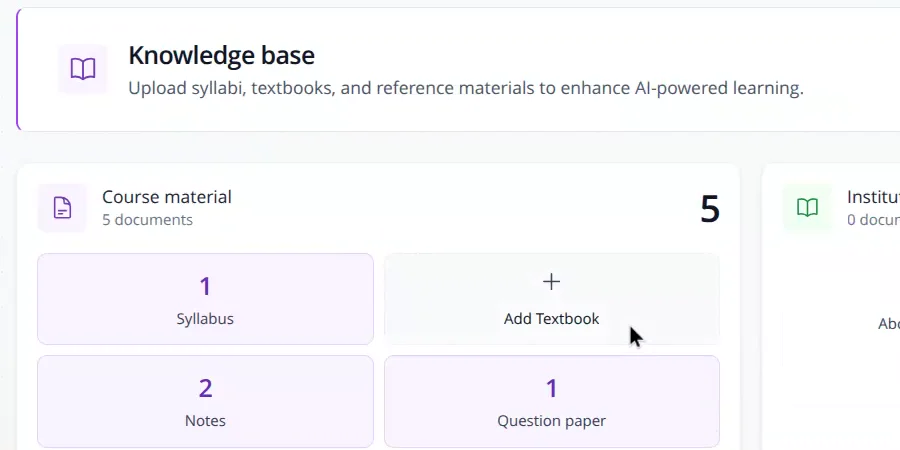
This is what the rest of Classroom rests on. Your institution uploads its syllabus, notes, textbooks and past question papers once. After that, every question, lesson plan and slide deck Kwilo drafts is grounded in those documents.
Upload once
Syllabus, notes, textbooks and question papers, as PDF or Word files or straight from Google Drive.
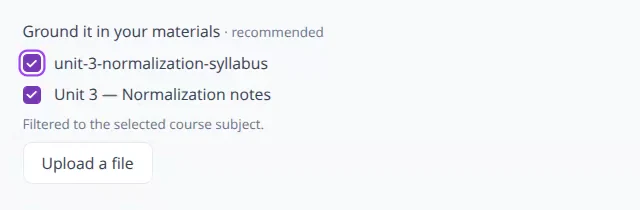
Choose what to draw on
For each request, faculty tick the documents Kwilo should use.
Get a grounded draft
Questions, lesson plans and slides follow your syllabus and your material, ready for the educator to edit.
Kwilo Intelligence
Upload the syllabus, notes and past papers once. Every question, lesson plan and slide is grounded in them.
Curriculum builder
Lay out a course against the syllabus and its outcomes.
More on Curriculum builderLesson plans
A timed plan for a class, drafted from your syllabus and ready to edit.
Slide decks
Slides for a topic, drafted from your notes. Present them or export to PowerPoint.
Assignments
Describe the quiz or homework in a line and get questions from your syllabus.
Proctoring
Online quizzes and homework can be proctored, with the learner's consent.
More on ProctoringEvaluation
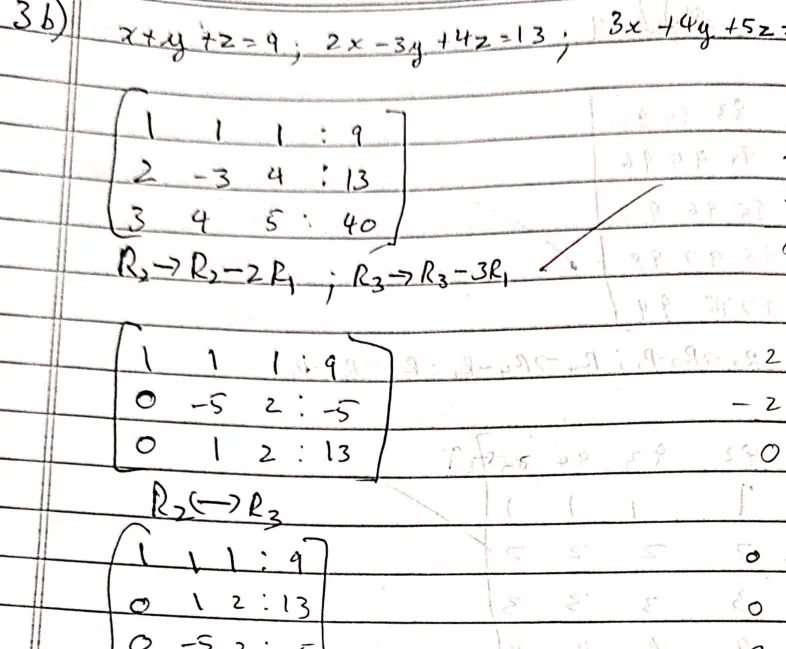
Handwritten scripts get suggested marks for each question, against your rubric.
More on EvaluationThe answer script is a scan of a real one. The other screens in this section are drawn for the page and use made-up names and numbers.
Campus
Class lists and timetables come from Campus.
See CampusCompliance
Marks for each question feed outcome attainment in Compliance.
See ComplianceThe educator signs off
Kwilo suggests. No mark is final until an educator approves it.
Proctoring needs consent
A proctored attempt starts only after the learner's consent is recorded.
AI drafts are labelled
Lesson plans, slides and questions drafted by Kwilo stay drafts until an educator accepts them.
Tell us what eats the most staff time. We will show that part of Kwilo first, and say plainly what it can and cannot do yet.
We ask what you want fixed first
Attendance, fees, evaluation or the accreditation file.
We check what fits
Which modules apply to your institution, and what setting them up involves.
You get a price and a plan
Both arrive before you are asked to decide anything.